Your password is the first lock on your digital life. But not all locks are equal — a padlock on a screen door offers very different protection than a deadbolt on a steel door. Password strength is the measure of how hard your particular lock is to break. Understanding what password strength actually means, how tools measure it, and what you can do to improve it is one of the most practical security skills you can develop.
This guide covers everything: the science behind strength measurement, what separates weak passwords from strong ones, common myths that persist despite being debunked, and a clear action plan for improving every password you own.
What Password Strength Actually Means
Password strength is not a score out of 100. It is a practical measure of how resistant a password is to being guessed or cracked by an attacker.
The key question is: how many attempts would an attacker need to try before finding your password? A weak password might fall in under a second. A strong one could take longer than the current age of the universe.
Strength is not about following arbitrary rules ("must contain a capital letter and a symbol"). It is about the size of the problem you force on anyone trying to break in. Think of it like a combination lock: a 3-digit lock has 1,000 combinations, while a 6-digit lock has 1,000,000. Each extra digit multiplies the difficulty. Passwords work the same way.
How Password Strength Is Measured
Password strength is formally measured using entropy, expressed in bits. Entropy represents the number of possible combinations your password could be, on a logarithmic scale.
The Entropy Formula
Entropy (in bits) = Length × log₂(Character Set Size)
Here is what that looks like for common character sets:
| Character set used | Characters available | Bits per character |
|---|---|---|
| Lowercase only (a–z) | 26 | 4.7 bits |
| Lowercase + uppercase | 52 | 5.7 bits |
| Lowercase + uppercase + digits | 62 | 5.95 bits |
| All printable ASCII (+ symbols) | 94 | 6.55 bits |
So an 8-character password using only lowercase letters has roughly 37.6 bits of entropy (8 × 4.7). An 8-character password using all printable ASCII has about 52.4 bits. And a 16-character password using all printable ASCII has around 104.8 bits — nearly three times more entropy than the 8-character version, not just twice.
What Entropy Levels Mean in Practice
| Entropy | Strength | Real-world context |
|---|---|---|
| Under 28 bits | Very weak | Crackable in milliseconds |
| 28–35 bits | Weak | Crackable in minutes to hours |
| 36–59 bits | Moderate | Crackable in days to months on fast hardware |
| 60–80 bits | Strong | Crackable in years with significant resources |
| 80+ bits | Very strong | Effectively uncrackable with current technology |
What Password Strength Meters Check
A good password strength meter — like the free analyzer at PasswordStrength.io — does more than calculate raw entropy. It also checks:
- Pattern detection: Does your password contain keyboard walks (qwerty, 12345), dates, or repeated sequences?
- Dictionary attacks: Is your password a common word or phrase that appears in attack wordlists?
- Breach database matching: Does your password match known breached credentials from data dumps?
- Crack time estimates: How long would it take to crack using brute force, dictionary attacks, or hybrid methods?
Raw entropy is the theoretical maximum. Actual strength is lower if your password follows a predictable pattern, even at high character counts.
What Makes a Password Weak vs. Strong
Not all passwords are created equal. Here is a direct comparison of weak and strong password patterns — without using real examples that could end up in wordlists.
Characteristics of a Weak Password
- Short length: 8 characters or fewer puts you in crackable territory for most attack types
- Single character type: All lowercase, or all digits, shrinks the character set dramatically
- Predictable patterns: Starting with a capital letter and ending with a number and symbol is so common it is modelled by every serious cracking tool
- Dictionary words: Any single word from any language, even obscure ones, falls quickly to dictionary attacks
- Personal information: Names, birthdays, pet names, and addresses are tried early in targeted attacks
- Common substitutions: Replacing "a" with "@" or "e" with "3" provides almost no extra protection — crackers model these substitutions by default
Characteristics of a Strong Password
- 16+ characters: Length is the single most effective lever you have
- Mixed character types: Combining uppercase, lowercase, digits, and symbols expands the search space significantly
- Randomness: No recognisable words, no predictable structure
- Uniqueness: Never reused across sites — if one site is breached, others stay safe
- Not on any list: Not in the top 10 million most common passwords, and not in known breach databases
In concrete terms: an 8-character password using all character types has roughly 52 bits of entropy. A 16-character password using all character types has roughly 105 bits. The 16-character version is not twice as strong — it is astronomically stronger, because the number of combinations grows exponentially.
How to Check Your Password Strength
The fastest way to know where you stand is to use a password strength tester. The free tool at PasswordStrength.io performs a full client-side analysis including:
- Entropy calculation in bits
- Character composition breakdown
- Crack time estimates across multiple attack scenarios
- Pattern and weakness detection
- Actionable suggestions for improvement
Because everything runs in your browser, your password is never sent to any server. You can safely test your real passwords without any exposure risk.
When reading your results, pay attention to crack time under "offline fast hashing" — this represents a scenario where an attacker has obtained a hashed copy of your password and is running GPU-accelerated cracking. It is the most realistic threat model for most breaches.
For deeper context on how attackers actually approach cracking, the post on how hackers crack passwords explains brute force, dictionary, and hybrid attack methods in plain English.
How to Improve Your Password Strength
Improving password strength does not require memorising strings of random characters. Here are the most effective strategies, in order of impact.
1. Make It Longer
This is the highest-impact change you can make. Going from 10 to 16 characters adds far more entropy than adding symbols to a short password. Aim for 16 characters as your minimum for important accounts, and 20+ for email and financial accounts.
2. Use a Passphrase
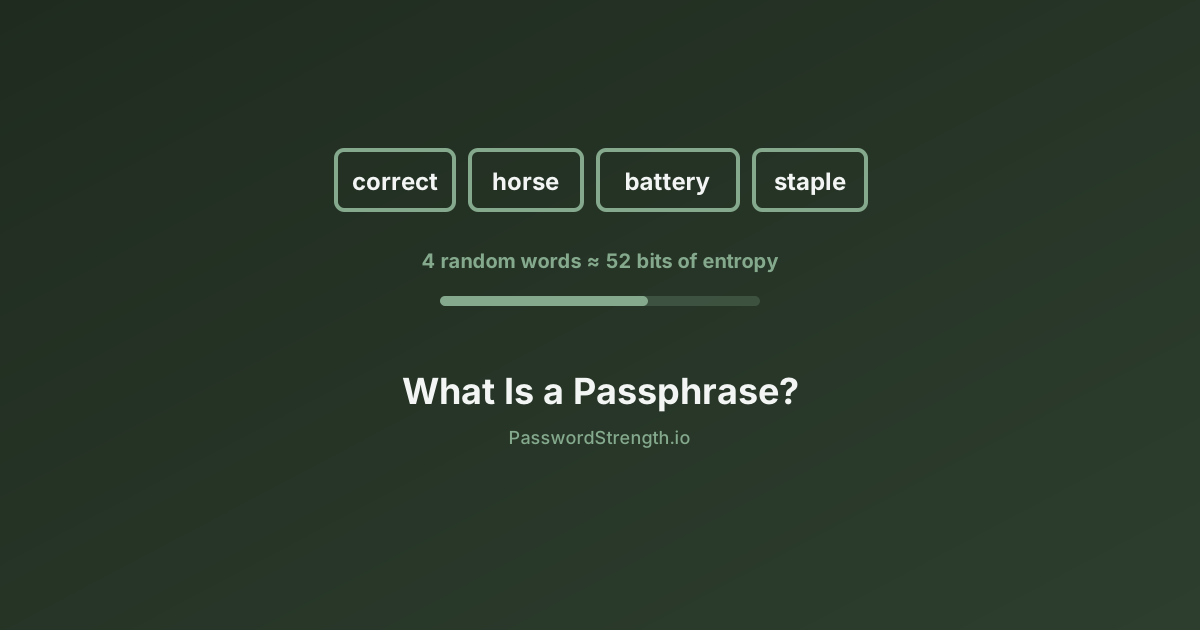
A passphrase is four or more unrelated random words strung together — for example, a structure like [colour][animal][verb][object] but with words chosen randomly, not by you. At 4–5 words, a passphrase typically reaches 50–70+ bits of entropy and is far easier to remember than a random character string.
3. Add Randomness, Not Patterns
If you are building a character-based password, use a password generator rather than your own creativity. Humans are poor random number generators — we unconsciously apply patterns that crackers are trained to exploit. A password manager's built-in generator produces genuinely random output.
4. Use a Password Manager
A password manager solves the core problem: you cannot memorise 50 unique, 20-character random passwords, but a manager can. You remember one strong master password; the manager handles the rest. This is the single change that most improves your overall security posture. The complete guide to password managers covers how to choose and set one up.
5. Enable Two-Factor Authentication
Even a strong password can be compromised in a phishing attack or data breach. Two-factor authentication (2FA) adds a second layer that stops an attacker who has your password but not your device. For a full explanation, see Two-Factor Authentication Explained.
6. Check for Breaches
Run your email address through a breach-checking service periodically. If an account's credentials appear in a known breach, change that password immediately — even if it was strong, it is now compromised data.
Common Misconceptions About Password Strength
Several widely held beliefs about passwords were outdated years ago. In 2026 they persist mainly because old IT policies have been slow to catch up.
Myth: Mandatory Complexity Rules Make Passwords Stronger
Forcing users to include uppercase, lowercase, digits, and symbols often backfires. Users satisfy the rule in the most predictable way possible: Password1!. This follows the rule exactly and is one of the most commonly cracked passwords in existence.
NIST's current guidelines (SP 800-63B, 2026 revision) explicitly state that organisations "shall not" impose arbitrary composition rules. The evidence shows they reduce security by pushing users toward predictable patterns.
Myth: Periodic Password Resets Improve Security
Mandatory 90-day resets cause users to make minimal changes — Password1! becomes Password2! — which provides essentially no security benefit while creating usability friction. NIST's guidance now recommends against mandatory periodic resets unless there is specific evidence of compromise.
Myth: A Strong-Looking Password Is a Strong Password
Tr0ub4dor&3 looks complex. But it became famous as an example in a widely circulated security comic, and it is now in attack wordlists. Strength is not about appearances — it is about unpredictability and not being in any list an attacker is likely to use.
Myth: Longer Is Always Better Regardless of Pattern
Length matters enormously when combined with randomness. A 20-character password built from a predictable pattern (like repeating a word or using a keyboard walk) can still be weak. Length and randomness work together.
For a broader look at how password thinking has evolved, the post on the evolution of password security provides useful historical context.
Password Strength and NIST 2026 Standards
The current NIST standard — Special Publication 800-63B — reflects a significant shift in thinking about what makes passwords effective. The key positions for 2026 are:
- Minimum 15 characters for single-factor authentication (up from 8 in earlier guidance)
- Allow up to 64 characters — systems should support long passphrases
- No mandatory complexity rules — composition requirements are counterproductive
- No mandatory expiration — only reset passwords on evidence of compromise
- Compromised credential screening — check new passwords against known breach databases
- Support all printable ASCII and Unicode — do not restrict character types
The NIST password guidelines explained post covers these updates in detail, including what they mean for businesses and individual users.
The bottom line from NIST: a long, random, unique password that is not in a breach database is more valuable than a short, complex password that follows a predictable pattern.
Related reading
- How Hackers Actually Crack Passwords: Brute Force, Dictionary Attacks, and More
- Password Managers: Your Ultimate Guide to Digital Security
- Two-Factor Authentication Explained
- NIST Password Guidelines Explained
- The Evolution of Password Security
What to do next
The most useful thing you can do right now is test your most important passwords. Use the free password strength tester at PasswordStrength.io to get an entropy score, crack time estimates, and specific improvement suggestions — all without your password leaving your browser. Start with your email account password, since that is the master key to most of your other accounts. If the tool flags it as weak or moderate, a password manager can generate and store a replacement in under a minute.